Customer-prem machines
Cash machines, kiosks, terminals, and service PCs can sit on a store or customer network while your team keeps a controlled path for support.
Front Desk helps support teams reach Windows devices, Linux boxes, kiosks, cash machines, small boards, and field equipment without opening inbound VNC, SSH, RDP, or local admin ports.
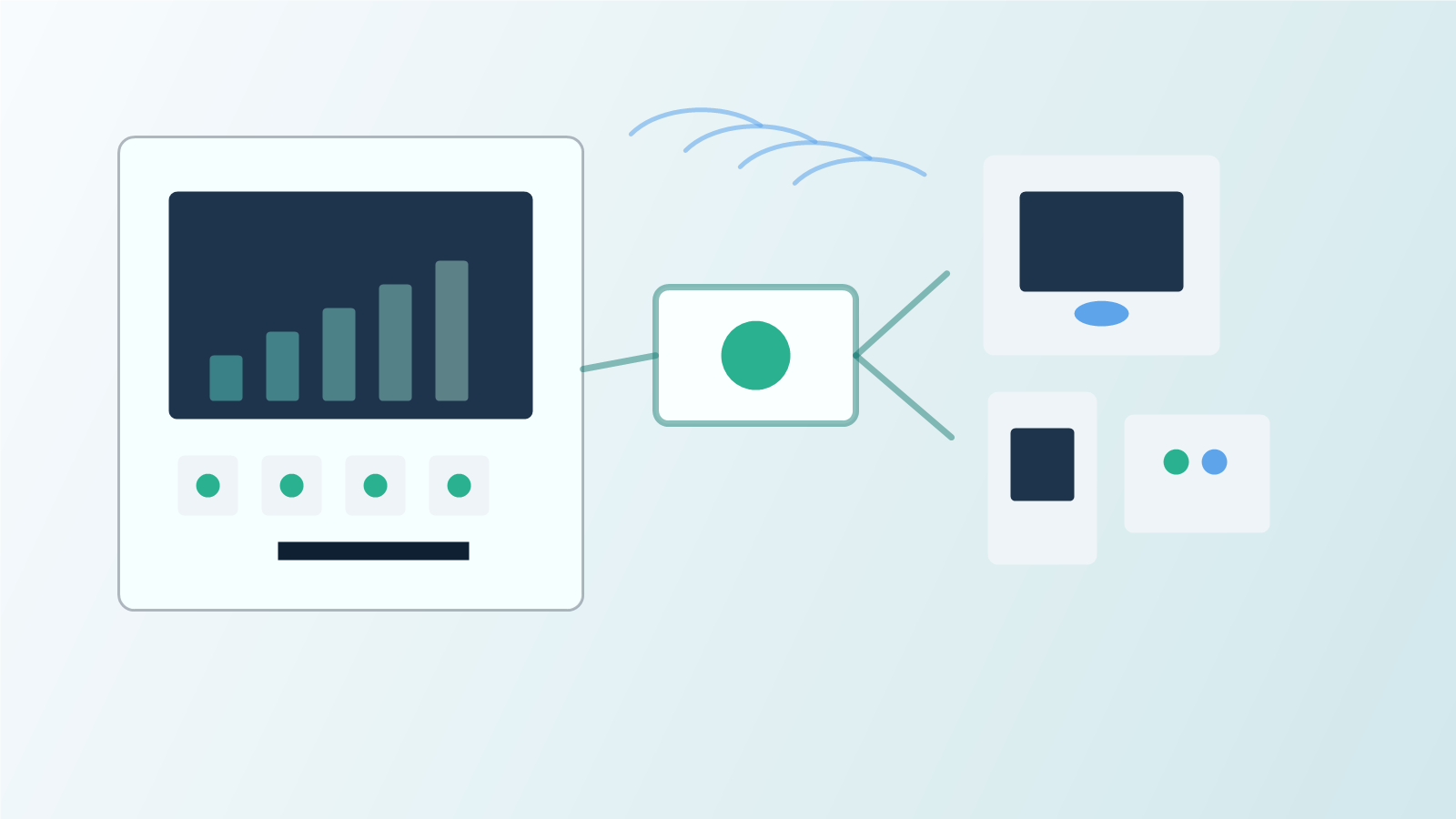
Inside your own office, VNC, SSH, RDP, and local admin pages are straightforward. Field devices are different. They live behind customer firewalls, store routers, carrier networks, branch policies, and managed IT rules.
Opening inbound ports turns every device into an internet-facing server. Building site-by-site VPNs can become a routing, address-space, firewall, credential, and approval project at every location.
The device makes outbound contact. Operators request access through Front Desk. The customer, store manager, account owner, or support lead can approve the session when policy requires it.
Cash machines, kiosks, terminals, and service PCs can sit on a store or customer network while your team keeps a controlled path for support.
Use one access model for GUI sessions, terminal access, and local service pages as platform support expands across Windows, Linux, and small boards.
Low-power devices can wake, check in over Wi-Fi, report status or usage, receive pending actions, and sleep again.
The customer receives an account-scoped installer or activation bundle for their fleet.
The device uses outbound HTTPS or WebSocket traffic. No inbound device-site ports are required.
An operator selects the device and asks for a short-lived GUI, terminal, or service session.
When policy requires approval, Front Desk routes the request before brokering the session.
Connect to safe demo machines and boards from a browser. See the same access idea across Windows, Linux, and device-service scenarios before you create a production account.
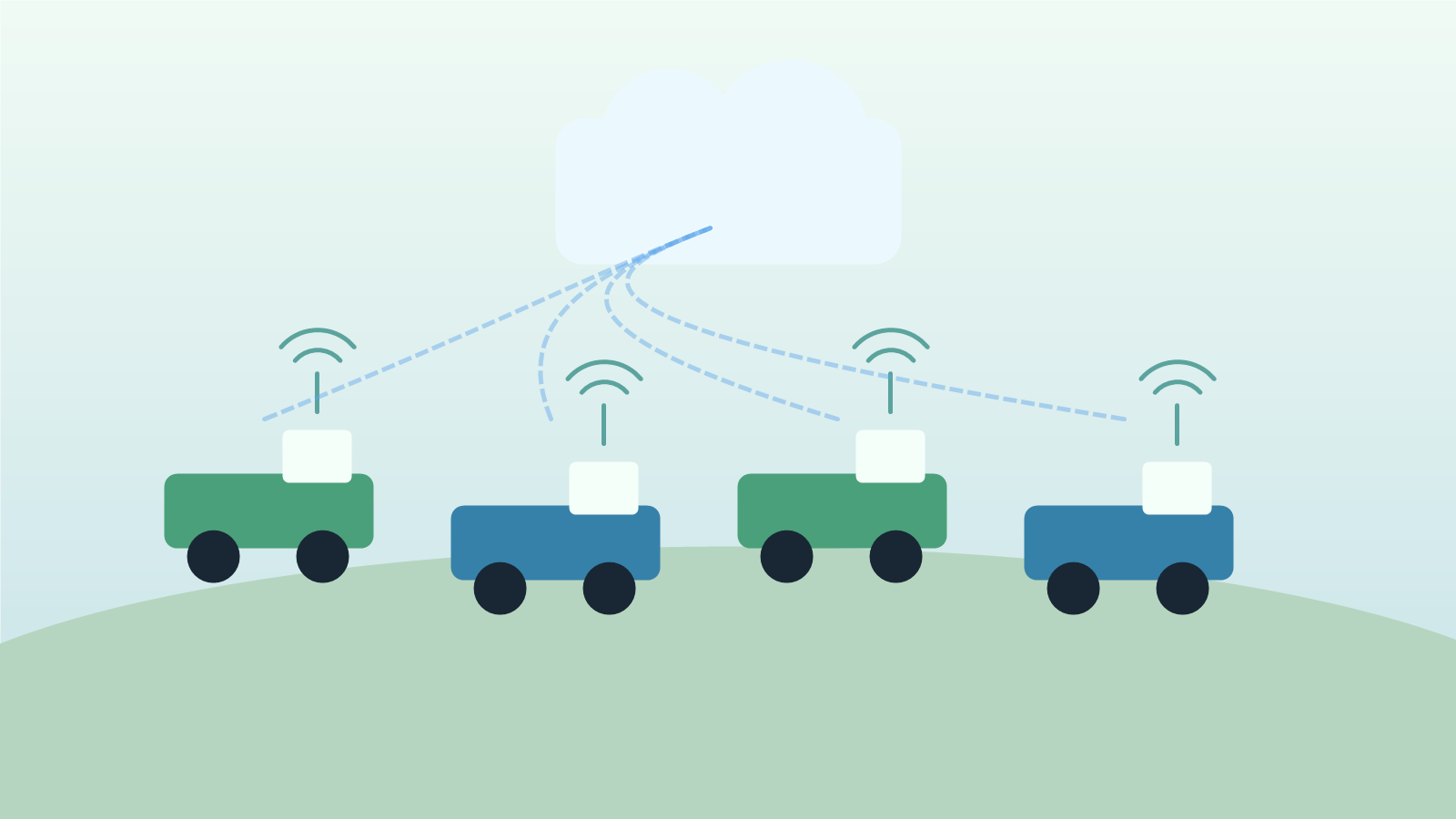
Rental mowers, carts, tools, and field units may sleep most of the day. They can wake near Wi-Fi, send status, report usage, receive pending actions, and sleep again.
Front Desk can show last contact, current reachability, and activity windows so support and billing systems can work with devices that are only online part of the time.